

Understanding the Fundamentals of Part Saving Techniques in SolidWorks
Saving parts internal to an assembly (commonly referred to as “virtual parts”) versus saving them externally in SolidWorks serves different purposes and suits various workflow needs.
- Internal (Virtual) Parts:
- Purpose: Virtual parts are saved within the assembly file itself, not as separate part files on the disk. This approach is useful for parts that are specific to the assembly and not intended for reuse in other projects. It simplifies file management by keeping everything within a single assembly file, reducing the number of files in your project.
- Benefits: It’s easier to manage and share because you only have one file. It also ensures that the part is always available and up to date within the assembly, eliminating the risk of losing or misplacing external files.
- Use Cases: Ideal for unique, one-off components that don’t need to be used in other assemblies or for quickly prototyping components within the context of an assembly.
- External Parts:
- Purpose: External parts are saved as individual files outside the assembly. This method is standard for parts that will be reused in multiple assemblies or need to be individually accessed, updated, or managed.
- Benefits: Facilitates reuse of parts in different assemblies, allows for more granular control and updating of parts, and supports collaborative workflows where multiple users might need access to individual parts.
- Use Cases: Best for standard components, parts shared across multiple projects, or when individual parts need to be detailed, modified, or inspected separately from the assembly.
Choosing between saving parts internally or externally depends on your specific needs for file management, collaboration, part reuse, and project complexity. Each method has its advantages, and SolidWorks users often employ both strategies to optimise their workflows.
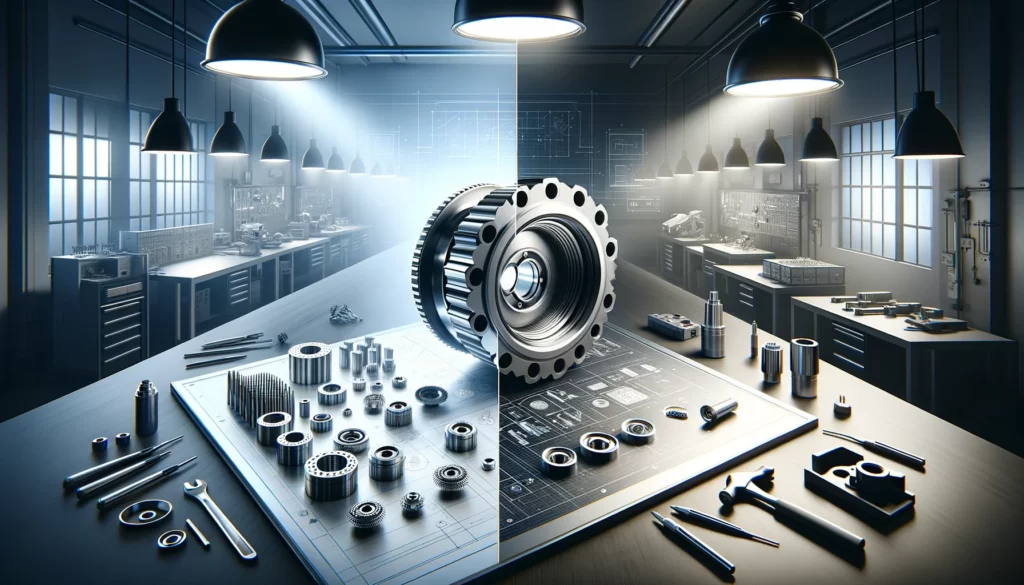
The theory behind saving parts internal to an assembly versus saving them externally in SolidWorks is grounded in the principles of Computer-Aided Design (CAD) file management, collaboration, and efficiency in the design process.
- Data Management and File Structure:
- Internal (Virtual) Parts: The theory here is based on encapsulation, where all necessary components for an assembly are contained within a single file. This reduces the complexity of file management, as there’s no need to track multiple external files. It’s akin to a self-contained unit, where all parts are inherently synchronized with the assembly, reducing the risk of version conflicts or missing files.
- External Parts: This approach aligns with modularity, where each component is a separate entity that can be updated, replaced, or reused independently of others. It supports a hierarchical file structure that mirrors real-world manufacturing processes, where parts are created separately but assembled together. This modularity facilitates easier revision management and part reuse across multiple projects.
- Collaboration and Workflow Efficiency:
- Internal (Virtual) Parts: By keeping parts internal, collaboration is streamlined when sharing just the assembly file, as there are no external dependencies. This method is efficient for small teams or individual projects where the assembly doesn’t need to be broken down into its constituent parts for different team members.
- External Parts: With parts saved externally, it’s easier for larger teams to work concurrently on different components of the same assembly. This approach supports a collaborative environment where parts are frequently updated or revised by different team members. It also allows for more efficient use of resources, as parts can be checked in and out of a Product Data Management (PDM) system, ensuring that team members always work with the latest versions.
- Design Intent and Reusability:
- Internal (Virtual) Parts: This method is often used when the design intent is specific to the assembly, meaning the part doesn’t need to exist outside its context. Virtual parts are typically used for bespoke components or when the design is still in a conceptual phase and subject to frequent changes.
- External Parts: Saving parts externally supports the concept of design reusability, where a part designed for one project can be easily incorporated into another. This is foundational for building a library of standard components that can be leveraged across multiple projects, improving design consistency and reducing time-to-market.
In summary, the theory behind the choice of saving parts internally versus externally in SolidWorks revolves around optimising for file management, collaborative workflows, and design intent. The decision on which method to use is influenced by the scale of the project, team size, and the need for part reuse or individual part management.